Question
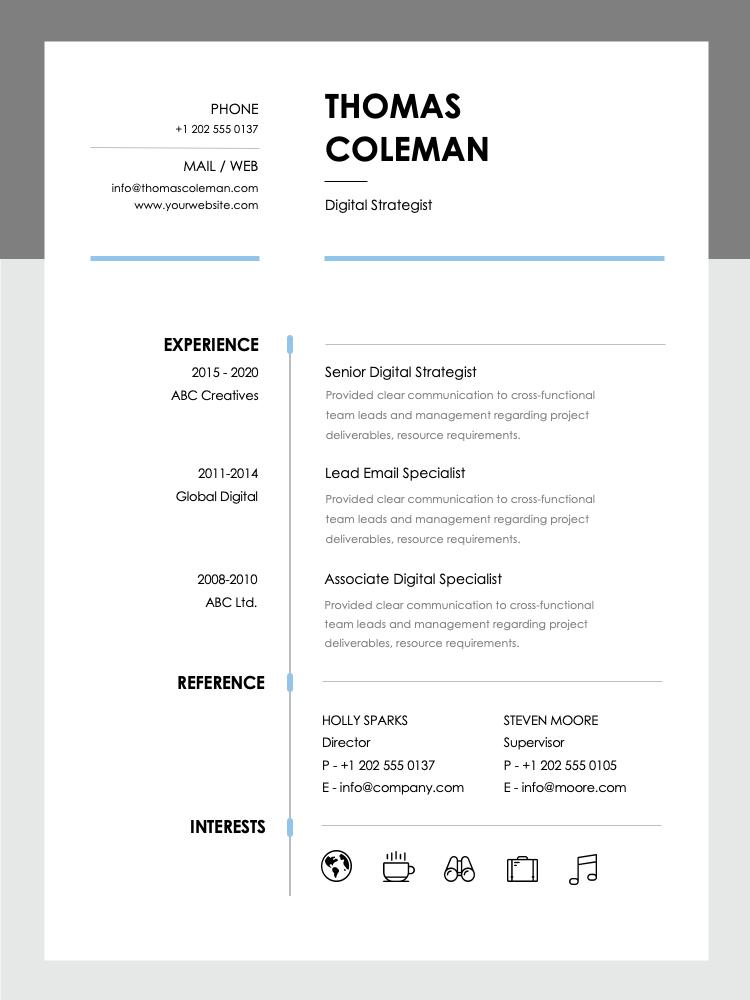
To edit and design a resume in PowerPoint using the Resume Templates, follow these steps:
1. Open PowerPoint and select the Resume Template you want to use.
2. Edit the template by clicking on the text boxes and replacing the placeholder text with your own information.
3. Customize the design by changing the font, color, and layout to suit your personal style and the job you're applying for.
4. Once you're satisfied with your resume, save it as a .pdf file for printing or electronic distribution.
This question was asked on:
Stand out from the crowd and land your next big opportunity with our . Choose from a wide selection of designs, from traditional to creative, to easily highlight your professional achievements. Edit and design your resume in PowerPoint, then export it as a .pdf file to print or for electronic distribution.




Receive new free presentations every Monday to your inbox.
Full content, complete versions — No credit card required.